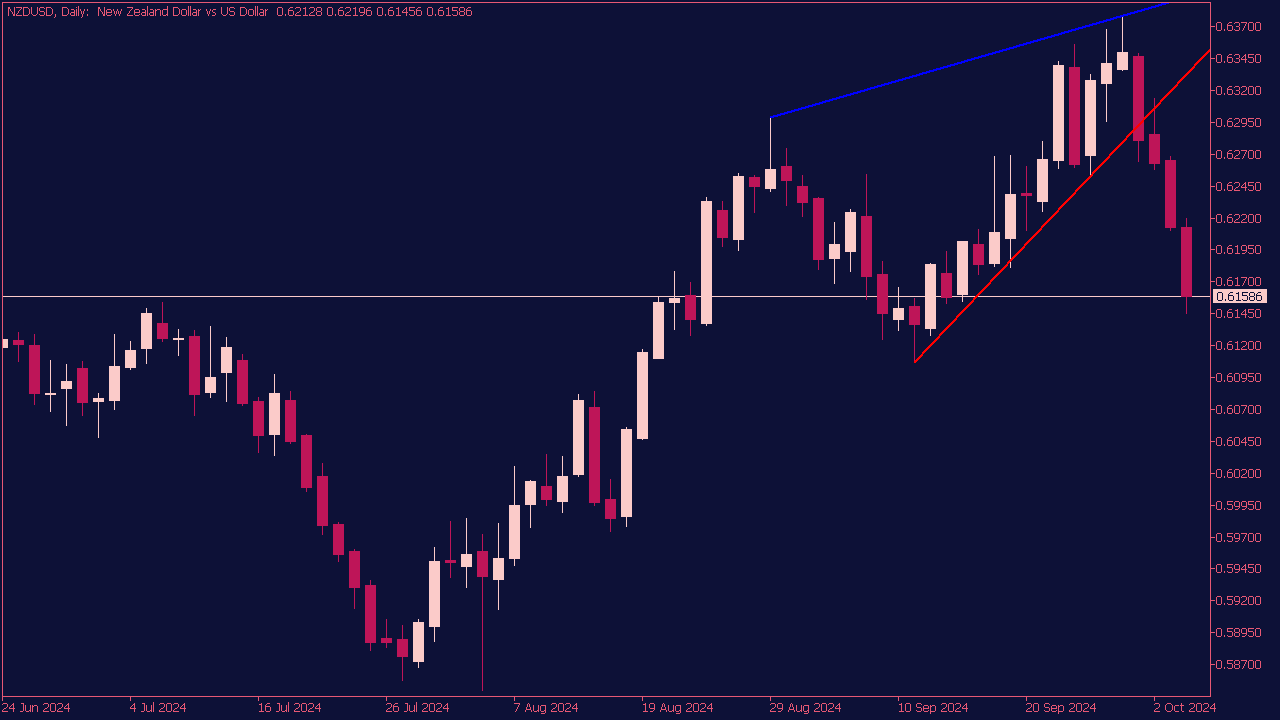
MT5 Auto Trendline & Trend Channel with Breakout, Touch Alert, Linear Regression, ATR or SHI

MT5 Auto Trendline & Trend Channel with Breakout, Touch Alert, Linear Regression, ATR or SHI

by Specialist 🫡 -
Number of replies: 9

Auto Trendlines V3 with Alert and Buttons
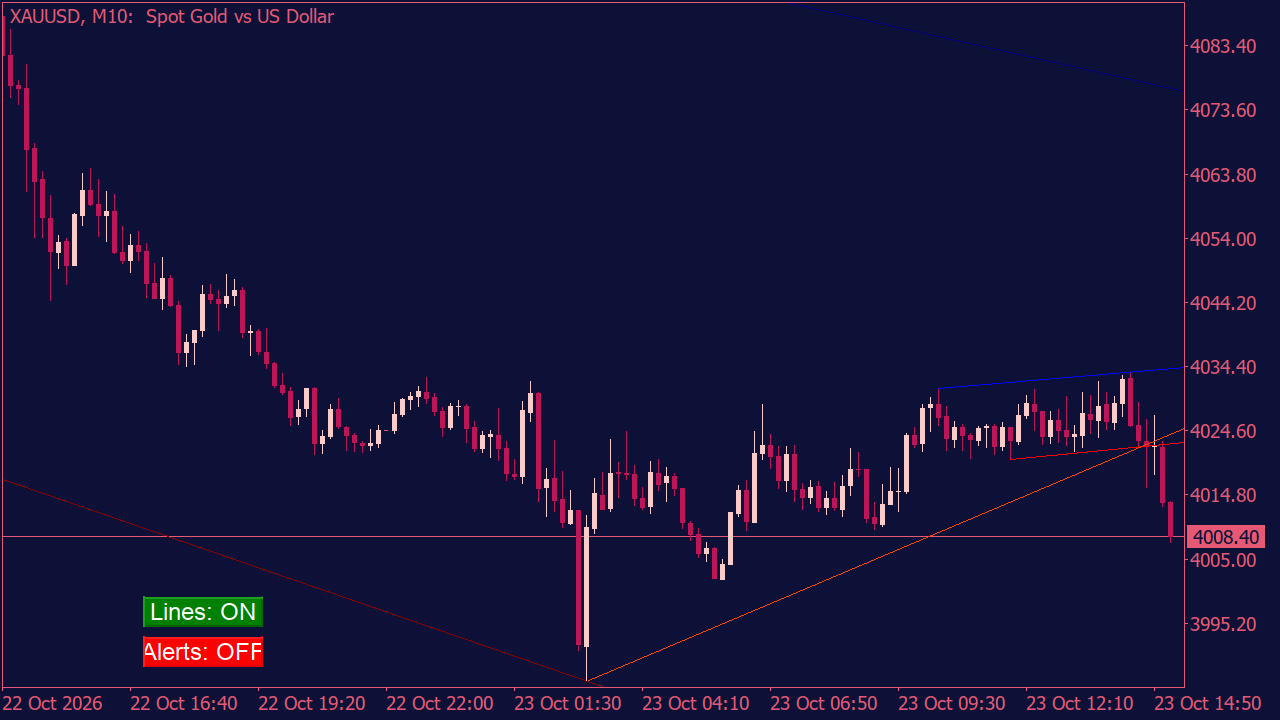
Auto Trendlines V3 with Alert and Buttons for MT5

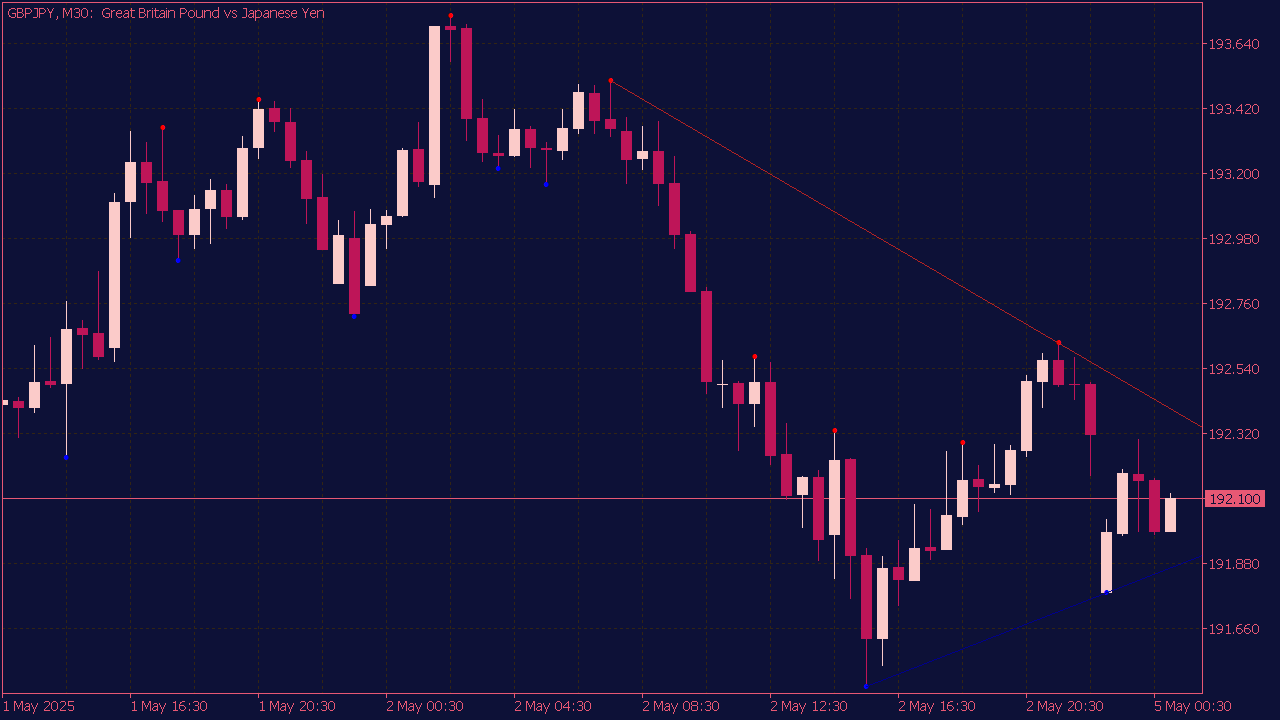
The Auto Trendlines with Alert and Buttons Indicator is made for one of those frustrating moments every trader knows. Price suddenly turns, you look back at the chart, and there it is — a trendline you wish you had drawn earlier. The strange thing is, some of these connections only become obvious after the move has already happened. This indicator helps you catch them sooner by automatically drawing three sets of trendlines based on previous price swings. But here's something worth remembering: not every trendline matters. Some get broken without hesitation, while others seem to attract price again and again.

The interesting part is watching what happens when the market returns to one of these areas. With optional alerts, you don't have to keep checking the chart every few minutes. You'll know when price gets close enough to deserve another look. And if you've ever been annoyed by indicators that take over your entire chart, you'll appreciate the simple controls. Two clickable buttons let you hide the trendlines or switch alerts on and off whenever you like. You can even move the buttons to any corner of the chart. Nothing complicated, just a practical way to spend less time drawing lines and more time figuring out which ones are actually worth your attention.
Best Trendline & Trend Channel Indicators for MT5

by Specialist 🫡 -

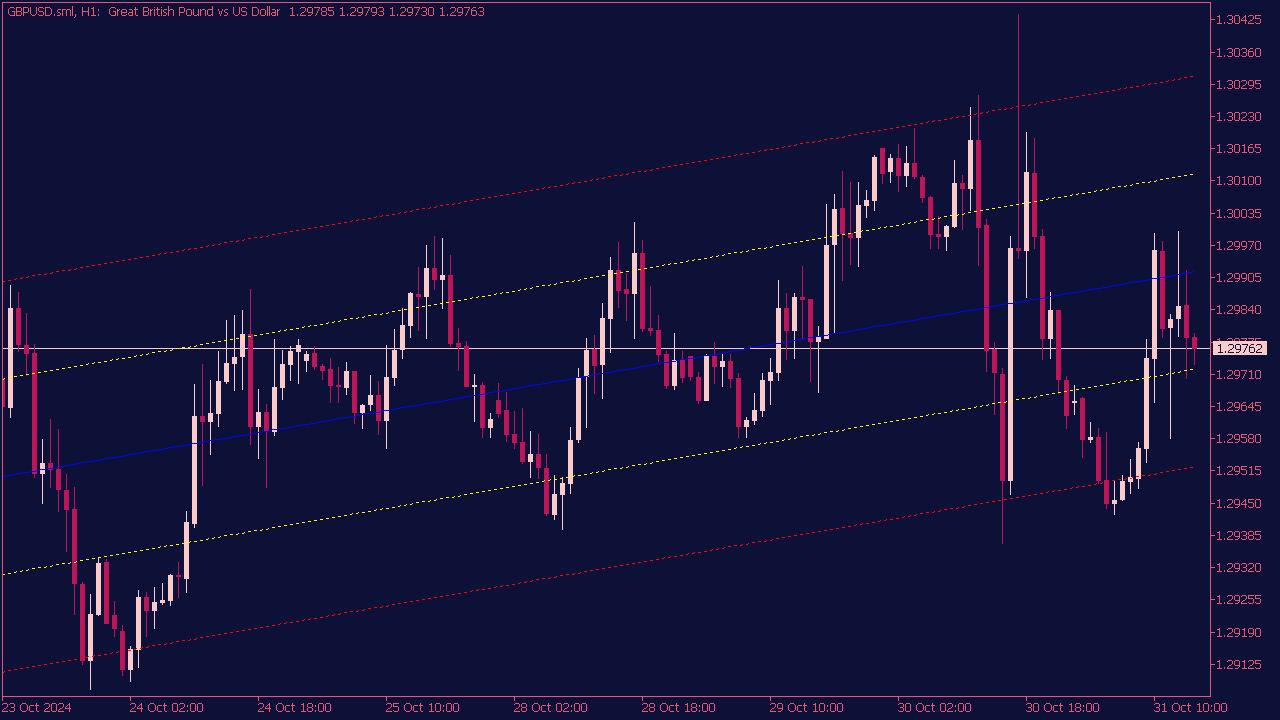
Linear Regression Channel

Linear Regression Channel for MT5

The Linear Regression Channel Indicator is a powerful tool for identifying potential trade opportunities based on price trends and volatility. To effectively use it, look for the price to touch or approach the upper or lower channel lines, which can signal potential reversal points. A buy signal may be generated when the price bounces off the lower channel line, while a sell signal may occur when the price hits the upper channel line. Additionally, confirm signals with other indicators like RSI or MACD to enhance accuracy, and always set stop-loss orders to manage risk. Remember to analyze the overall market conditions and use the channel in conjunction with your trading strategy for optimal results.

Best Trendline & Trend Channel Indicators for MT5

by Specialist 🫡 -

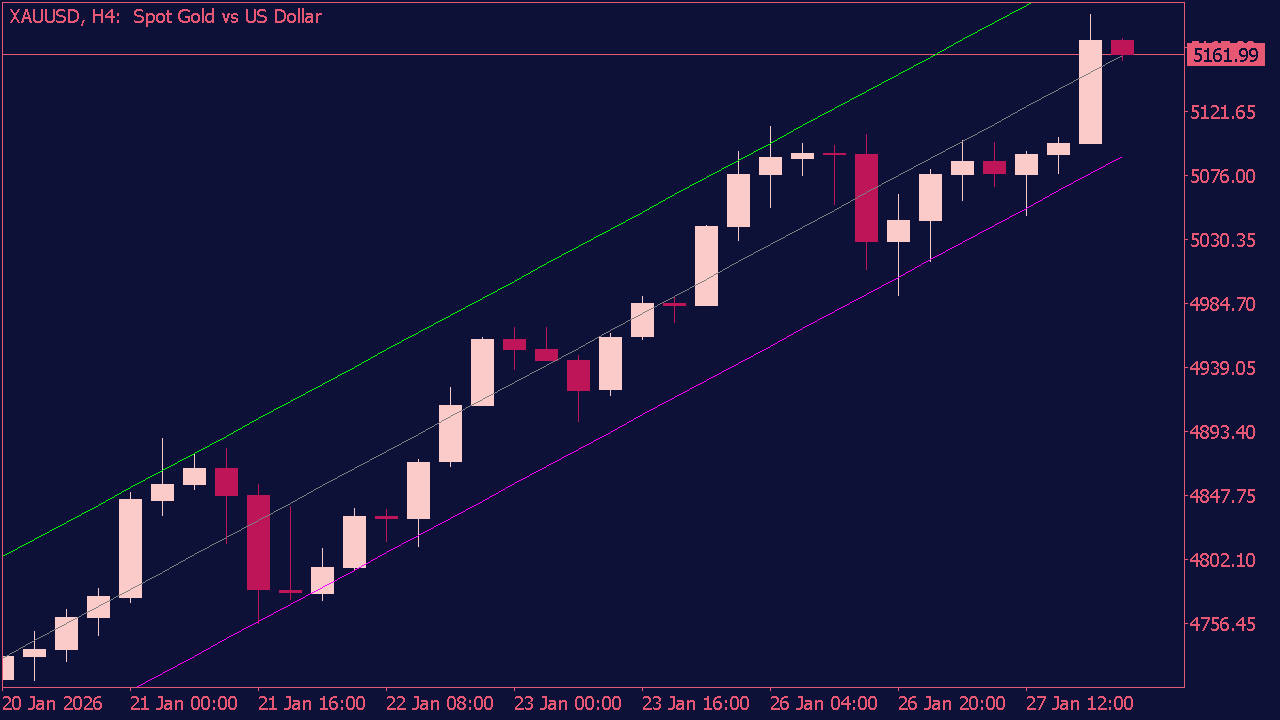
Dynamic Swing Trading Channel Indicator

Dynamic Swing Trading Channel Indicator for MT5

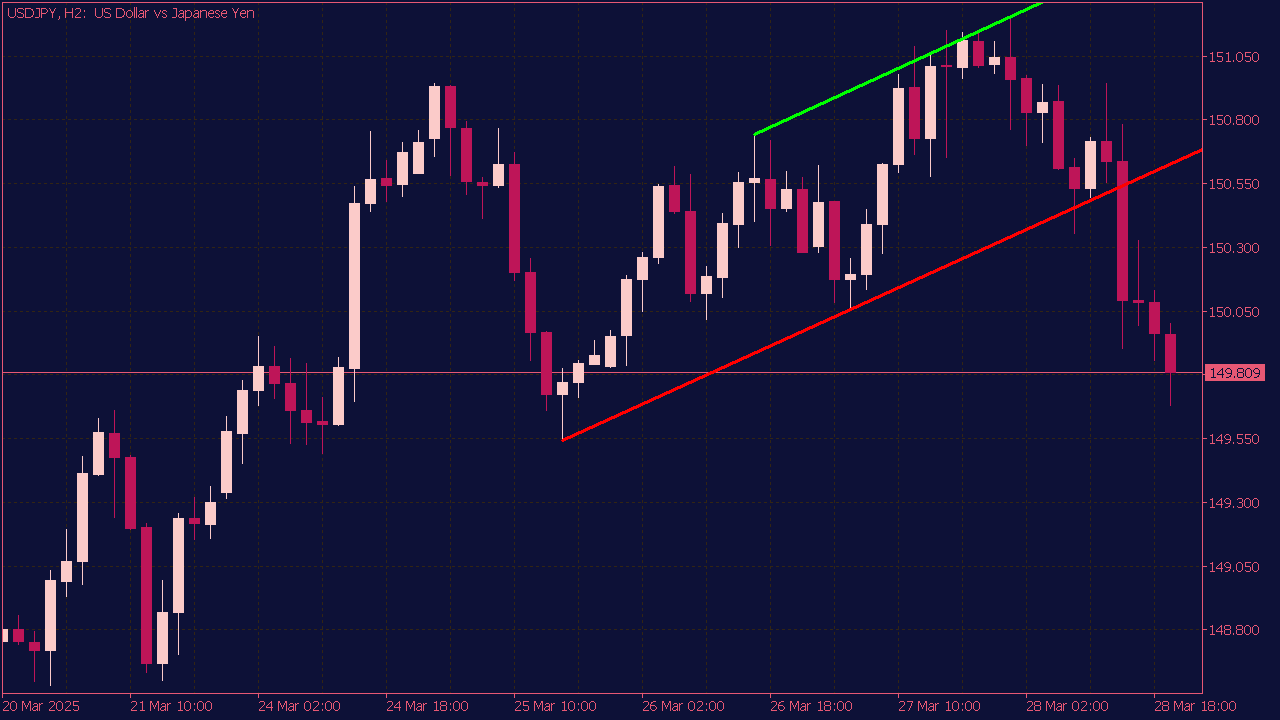
The Dynamic Swing Trading Channel automatically plots adaptive channels around price swings, capturing trend direction and volatility. It helps traders identify support and resistance within the trend, spot breakout opportunities, and optimize entry and exit points for swing trading.

Best Trendline & Trend Channel Indicators for MT5

by Specialist 🫡 -

SHI Channel True Indicator

SHI Channel True Indicator for MT5

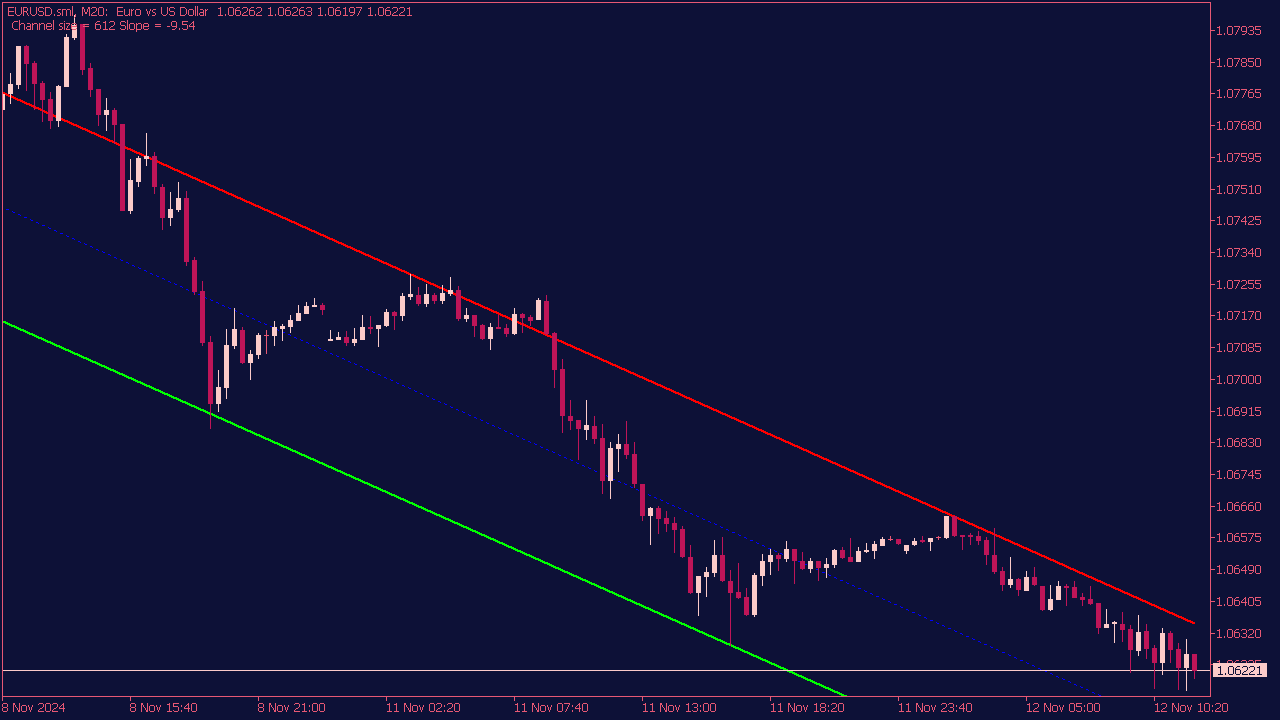
The Auto Trend Channel Indicator in MT5 automatically draws trend channels based on price action, creating upper and lower boundaries that traders can use to identify entry levels. Generally, traders look for entry levels at the lower boundary (support) for potential buying opportunities and the upper boundary (resistance) for potential selling opportunities. Additionally, a break above or below these channels can signal a strong trend continuation, while price reversals or bounces off the channel lines may indicate potential trading entries. It's important to combine this indicator with other tools or confirmation signals for better accuracy.

Best Trendline & Trend Channel Indicators for MT5

by Specialist 🫡 -

Standard Deviation (STDev) Channel Indicator

Standard Deviation (STDev) Channel Indicator for MT5

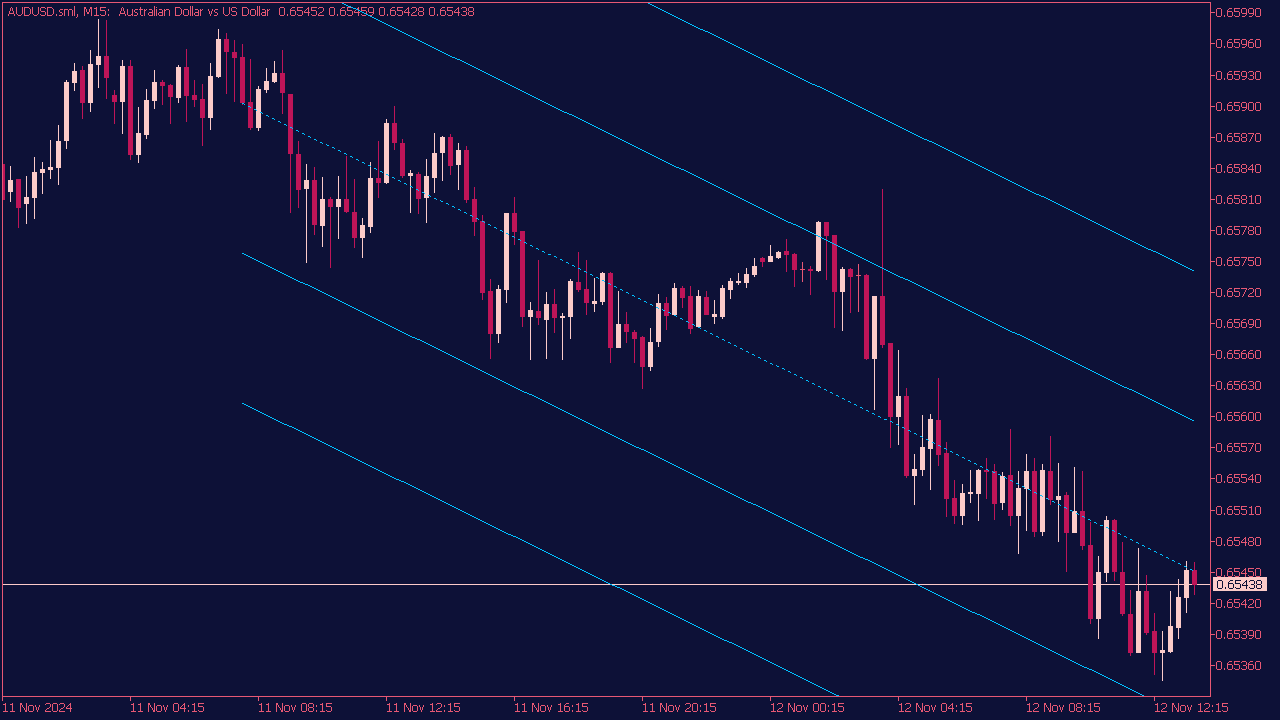
The Standard Deviation Channel Indicator helps traders identify price volatility and potential reversal points. To effectively use this indicator, consider entering trades when the price touches or breaks the upper or lower bands of the channel, indicating overbought or oversold conditions respectively. Confirm signals with additional indicators, such as moving averages or RSI, to enhance decision-making. Set stop-loss orders just outside the channel to manage risk, and look for breakout opportunities when the price closes above or below the channel, implying a continuation of the trend. Always incorporate proper risk management techniques and adjust position sizes based on market volatility.

Best Trendline & Trend Channel Indicators for MT5

by Specialist 🫡 -

Auto Trendline Indicator

Auto Trendline Indicator for MT5

The Auto Trendline Indicator identifies key support and resistance levels by automatically drawing trendlines on a price chart based on price action. Entry points can be determined when the price interacts with these trendlines. A bullish entry might be signaled when the price bounces off a support trendline, indicating a potential upward movement. Conversely, a bearish entry could be suggested when the price tests a resistance trendline and shows signs of reversal. Additionally, confirming signals from other indicators (like RSI or MACD) can enhance the reliability of these entry points.